
In fast games, a split second decides everything: the jump that clears the gap, the dodge that misses the wall, the tap that lands the ball in the slot. Players often say they have "slow reactions", but reaction time in a game is not one fixed number. It is a mix of how rested you are, how well you know the game, how quickly your screen shows the action and how quickly your device responds to your finger. Most of those can be improved. This guide explains what reaction time really is and gives twelve practical tips to get faster, with games you can practise on for free:
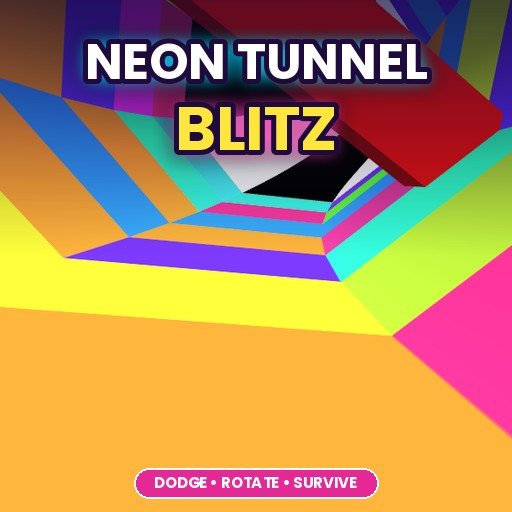 Neon Tunnel BlitzNeon Tunnel Blitz is a fast 3D reflex game that sends you rushing through a spinning tunnel full of bright neon colou... Play free
What is reaction time?
Reaction time is the time between something happening and you responding to it. In a game, it includes several steps that happen one after another:
- The screen shows the change. Your device has to draw the new frame and your screen has to display it.
- You notice it. Light reaches your eyes and your brain recognises what changed.
- You decide. Your brain picks a response: jump, dodge, tap left or right.
- You move. The signal travels to your hand and your finger presses.
- The device registers it. Your mouse, keyboard or touch screen sends the input and the game reacts.
Steps two to four happen in your body, and steps one and five happen in your equipment. You can improve both.
How fast are people, really?
For a very simple task, like clicking as soon as a box changes colour, most people score somewhere around a quarter of a second, roughly 200 to 300 milliseconds, in online reaction tests. Reactions to a sound are usually a little faster than reactions to something you see. When there is a choice to make, for example "tap left if it is red, right if it is blue", reactions are slower because the brain has to decide as well as notice.
Games are usually choice reactions. That is good news: the "decide" step is the part that improves most with practice, because experienced players recognise situations instantly instead of thinking about them.
Online reaction tests measure your body plus your equipment. A slow screen, wireless lag or a busy computer can add many milliseconds to your score. If you compare results with friends, use the same device, or compare your own scores over time.
12 tips to react faster
1. Sleep comes first
Nothing slows your reactions like being tired. After a short night, attention drifts, small lapses happen and reactions are slower and less consistent. If you want your best score, play when you are rested, not at 2 a.m. at the end of a long day.
2. Warm up for five minutes
Athletes warm up before a match and gamers can too. Spend a few minutes on an easy level or a simple reaction game before trying for a high score. Your first few rounds are usually your slowest, so do not waste your best attempts on them.
3. Learn to anticipate
The biggest difference between beginners and experts is not raw speed but anticipation. Experienced players watch further ahead and recognise patterns. In a tunnel game, they notice the next gap while still passing the current one. In a runner, they read the obstacle pattern before it arrives. Train yourself to look a little further up the screen than feels natural.
4. Practise in short, focused sessions
Several short sessions of 10 to 20 minutes beat one long session of two hours. Focus drops when you play too long, and practising while tired teaches sloppy habits. Stop while you are still playing well.
5. Choose good practice games
Games that test timing many times per minute are perfect for training. One-button games and tunnel games give you hundreds of reactions in a short session. Try these:
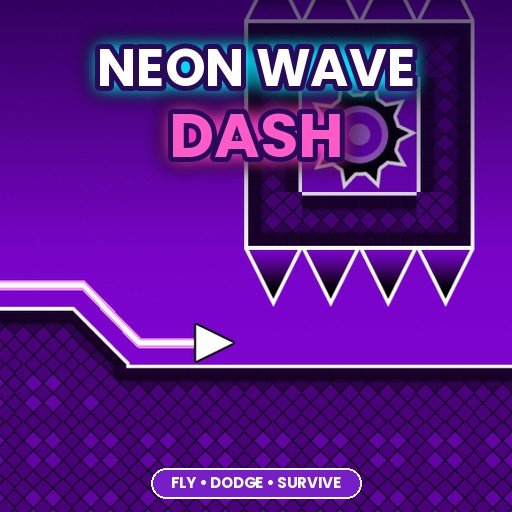 Neon Wave DashNeon Wave Dash is a one-button arcade game set in a glowing neon world. You control a small arrow that leaves a brigh... Play free
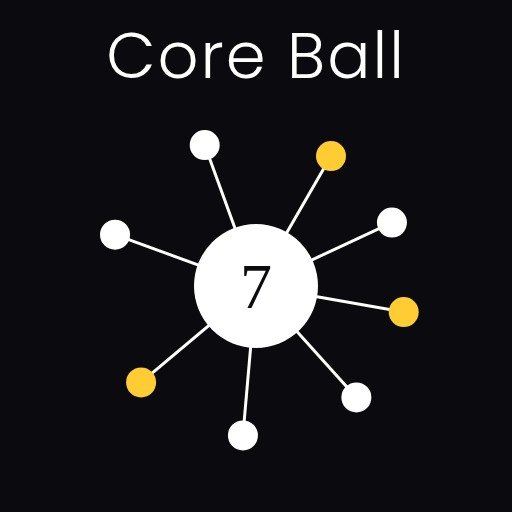 Core BallCore Ball is a minimal timing game that is easy to start and surprisingly hard to master. A large core spins in the m... Play free
6. Reduce input lag on your screen
If you play on a TV or monitor, turn on Game Mode in its settings. Many TVs add image processing that delays the picture noticeably. Game Mode switches most of it off. On a monitor, check that it is set to its highest supported refresh rate in your computer's display settings, because many are left at 60 Hz by default.
7. Use a responsive mouse and keyboard
Wired mice and keyboards are reliably fast. Good wireless gaming mice are fast too, but cheap wireless devices and Bluetooth connections can add delay, especially when the battery is low. If your reactions feel inconsistent, try a wired mouse to rule out the hardware.
8. Keep your device running smoothly
A game that stutters makes you react late, because the frame you need arrives late. Close other heavy tabs and apps, keep your browser up to date and plug in a laptop while gaming. Our guide to fixing lag in browser games has a full checklist.
9. Sit comfortably and relax your hands
Tense hands react slowly and tire quickly. Sit with your screen at a comfortable distance, rest your wrists, and keep your fingers lightly on the keys or the screen. On a phone, hold it in a relaxed grip and use the thumb that feels most natural for the game.
10. Cut distractions
Notifications, a TV in the background or chatting while you play all split your attention. For a serious attempt at a high score, turn on Do Not Disturb, put on headphones if the game has useful sound cues and give the game your full attention for a few minutes.
11. Use sound when the game offers it
Many games play a sound just before or at the moment something happens. Because people react a little faster to sounds than to images, sound cues can help your timing. Play with the sound on when you are trying to improve.
12. Track your progress
Write down your best scores, or let the game remember them. On Pikashowsgames, many games show your best score, and your favourite games are saved in My Games. Seeing your scores rise over a week of short sessions is the best motivation to keep practising.
Reaction tips for different kinds of games
Endless runners
Runners speed up over time, so the game gets harder while your reactions stay the same. The trick is to look further ahead as the speed rises. Keep your eyes on the middle or upper part of the screen rather than on your character, so you see obstacles earlier.
Tunnel and rhythm games
These games often repeat patterns. Instead of reacting to each wall separately, try to feel the rhythm of the gaps. Many players find it helps to tap along to the music or the beat of the obstacles.
Racing games
In racing, reactions matter most at corners and in traffic. Learn the track so you know where corners are before you see them, and brake a little early rather than late. Smooth driving is faster than last-second swerving.
Sports games
Goalkeeper and penalty games are pure reaction tests. Watch the kicker or the ball rather than the goal, and keep your finger ready over the controls. In head soccer and similar games, positioning yourself early leaves you more time to react.
Common myths about reaction time
- "You are born with your reaction time." Basic nerve speed varies between people, but what you do in a game depends heavily on practice and anticipation, which anyone can improve.
- "Energy drinks make you faster." Feeling more alert is not the same as playing better, and too much caffeine can make you jittery and less accurate. Sleep and breaks are the reliable options.
- "Only pro gear matters." Equipment can remove some delay, but a rested, focused player on an ordinary phone will usually beat a tired player with expensive gear.
- "Faster tapping is better." Precise timing beats speed. A well-timed single tap is better than three panicked ones.
Playing on a phone
Touch screens add their own small delays, and your thumb covers part of the screen. A few things help: hold the phone in landscape for games that support it so your thumbs sit at the sides, turn up the screen brightness so details are easier to see, and keep the screen clean, because smudges can make touches less reliable. If your phone has a high refresh rate option in its display settings, turn it on while gaming.
Speed versus accuracy
Trying to react too fast often leads to mistakes: jumping early, turning the wrong way or tapping twice. In most games, a steady rhythm beats frantic speed. If you keep failing at the same point, slow down slightly and focus on being accurate. As the pattern becomes familiar, your speed will come back naturally.
- Being well rested
- Short, regular practice
- Looking ahead and learning patterns
- Game Mode and a high refresh rate
- Very long sessions
- Expensive gear while tired
- Mashing buttons faster
- Playing with constant distractions
A one-week practice plan
- Days 1 and 2: play a one-button game for 10 minutes. Note your best score.
- Days 3 and 4: switch to a tunnel or runner game and practise looking further ahead.
- Day 5: check your setup: Game Mode, refresh rate, closed tabs.
- Days 6 and 7: go back to the games from day 1 and compare your scores.
Most players see clear improvement in a week, mainly from better anticipation and a smoother setup. If you enjoy fast games, our endless runner high score tips are a good next read.
Taking regular breaks is good for your eyes and your scores. A simple habit is to look at something far away for a few seconds every 20 minutes or so.