 Instant play
What Chess is all about
Chess is one of the oldest and most loved strategy games in the world, and this version lets you play a full game right in your browser. Move your pieces across the board, plan your attack and try to trap the opponent's king. Whether you are learning the basics or have played for years, there is always a good game waiting here.
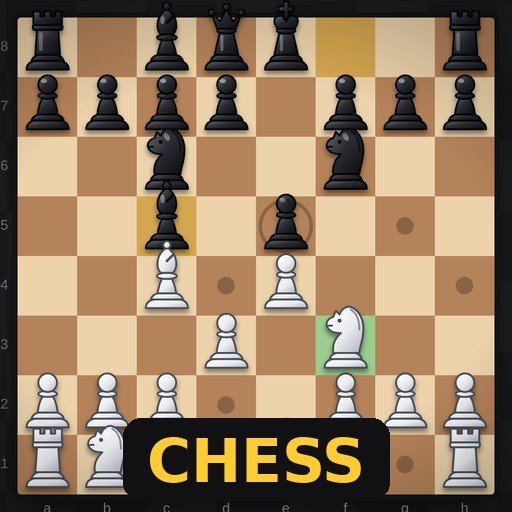
The rules are the classic ones. Each side starts with sixteen pieces, and every piece moves in its own way. To make a move, you tap or drag a piece, and small dots appear on the board to show every square it can reach. This makes the game friendly for beginners, since you never have to guess whether a move is allowed. The goal is to put the enemy king in checkmate, which means it is under attack and has no safe way to escape.
There are several ways to enjoy a match. You can challenge the computer on Easy, Medium or Hard, so it is easy to find a level that fits your skill and then move up as you improve. If someone is sitting beside you, you can play with a friend on the same device and pass the turn back and forth. Helpful extras make every game smoother:
Set up the board and enjoy a calm, thoughtful game whenever you like. Chess is free to play in your browser on PC or mobile, with no download required.
Get started in a few simple steps
Choose to play against the computer or with a friend on the same device.
If you play the computer, pick Easy, Medium or Hard.
Tap or drag one of your pieces to select it.
Move it to one of the squares marked with a dot.
Take turns with your opponent and try to capture pieces.
Checkmate the opponent's king to win the game.
Keyboard, mouse and touch controls
click or drag a piece, then drop it on a marked square
take back a move or get a suggestion
tap or drag pieces with your finger
Play smarter and beat your best score
Bring your pieces into the centre early in the game.
Always check what your opponent is threatening before you move.
Practise with hints on Easy, then step up the difficulty.
Quick facts about Chess